
From the Home tab, you can view an email that will be sent to a person, or that has been sent. You know whether or not it's been sent by looking for the Job Start time at the top of the Home page. If you see a blank Job Start time, the email has not yet been sent.
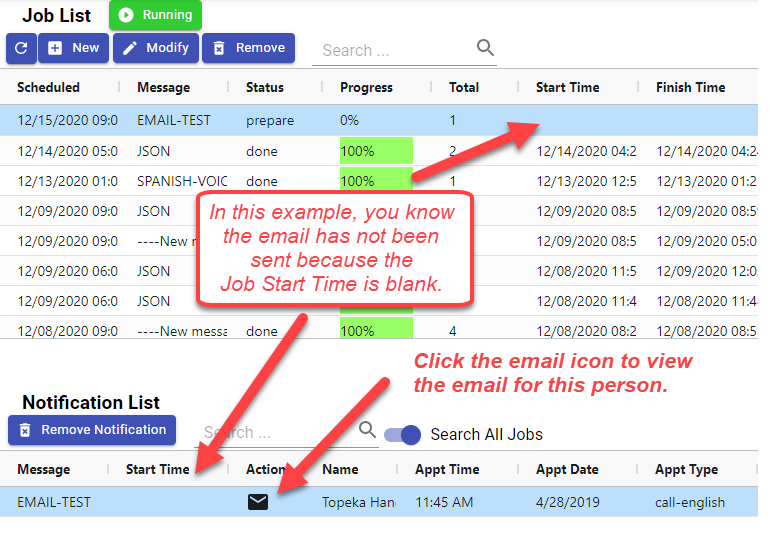
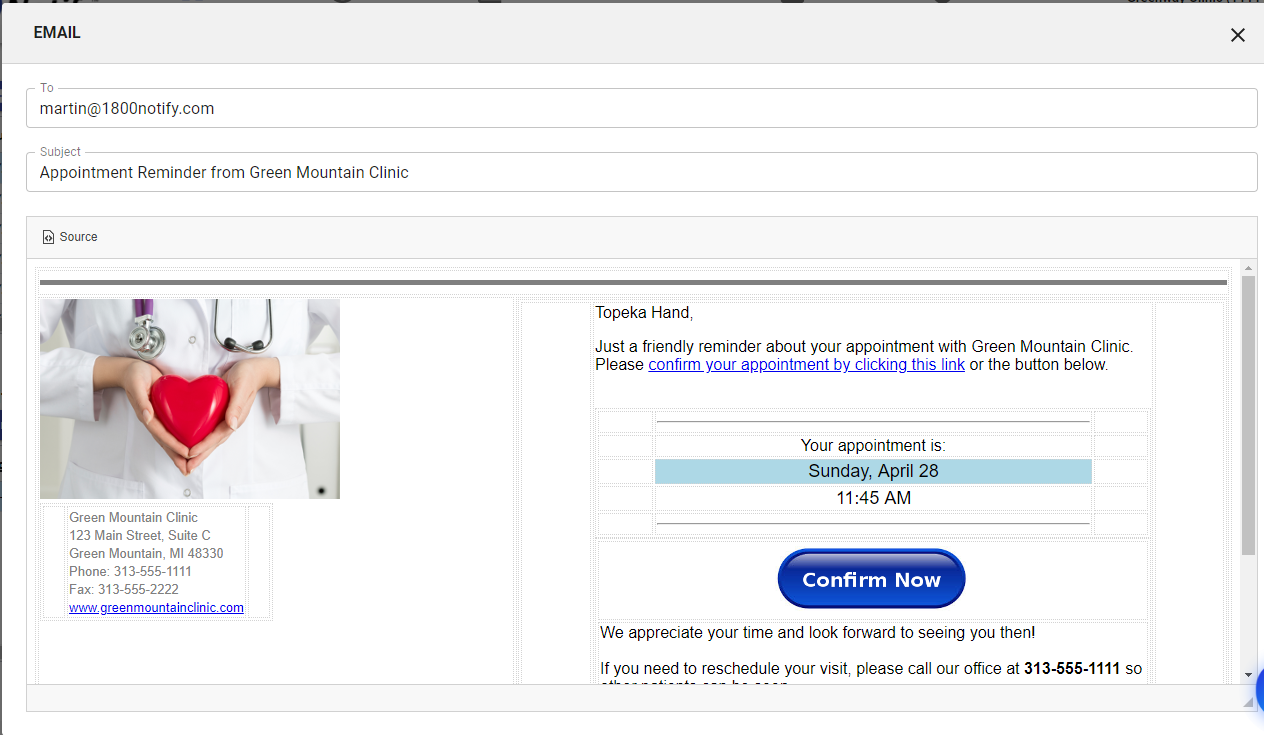
Clicking the Email icon  will bring up the email message, the email address it was sent to and the Subject of the email.
Comments